How to Create a Bulletproof Tech Pack for Custom Hats
You have a vision for a perfect custom cap. You can see the colors, the fit, and the logo in your mind. You explain it to a manufacturer, wait 3 weeks for a sample, and open the box... only to find the color is wrong, the logo is too small, and the fit is weird.
What went wrong? Translation error.
Manufacturing is a precise science. We cannot build based on a "vibe"; we build based on data. The bridge between your creative vision and our sewing machines is called a Tech Pack.
Think of a Tech Pack as the Architect's Blueprint for your hat. If the blueprint is clear, the building stands tall. If it's messy, the building collapses. Here is the step-by-step guide to building a Tech Pack that guarantees a perfect sample.
1. The Technical Flat Sketch (CAD)
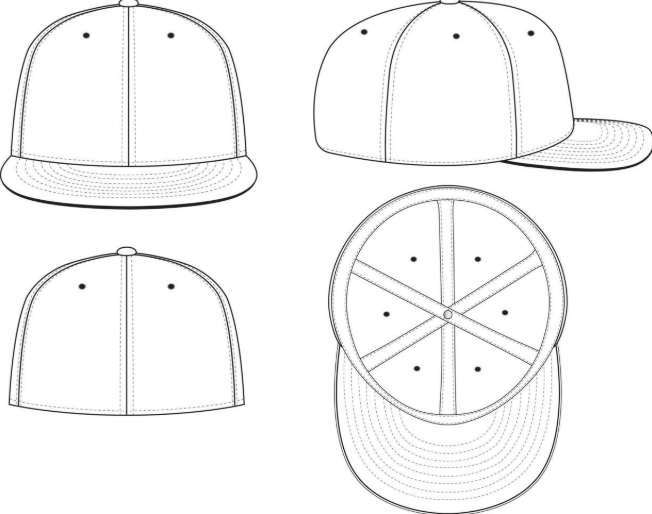
A photo of a hat you found on Pinterest is a reference, not a design. Your Tech Pack must include 2D CAD Sketches (Computer-Aided Design) of the hat from every angle:
Front View: Showing the main logo placement.
Side Views (Left & Right): Showing side logos or panel construction.
Back View: Showing the closure type (snapback, strapback) and arch text.
Top View (Button): Showing the button color and eyelets.
Underbrim: Don't forget the bottom of the visor!
2. The Bill of Materials (BOM)
This is the "Ingredient List." You must list every single material that goes into the hat.
Main Fabric: e.g., 100% Cotton Twill or Performance Nylon.
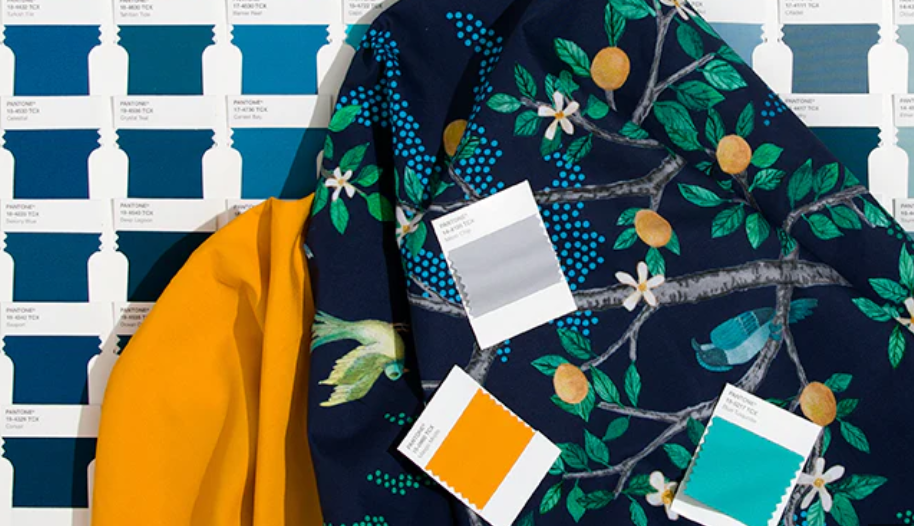
Color Codes: Crucial! Never say "Navy Blue." There are 50 shades of Navy. You must provide a Pantone (PMS) code (e.g., Pantone 289 C).
Hardware: Plastic snap? Metal buckle? Velcro?
Thread: Do you want the stitching to match the fabric (tonal) or contrast?
3. Measurement Specifications (The Fit)
"One Size Fits Most" is a marketing term, not a manufacturing spec. To get the fit you want, you need to define the dimensions:
Crown Height: Do you want a High Profile Trucker (10cm+) or a Low Profile Dad Hat (8-9cm)?
Circumference: Standard is 58cm.
Visor Length: Standard is 7cm.
Logo Size: Define the exact width and height of your embroidery (e.g., "W: 5.5cm x H: 2.5cm"). Do not just say "Make it look good."
4. Decoration Map
Be specific about the technique for each element.
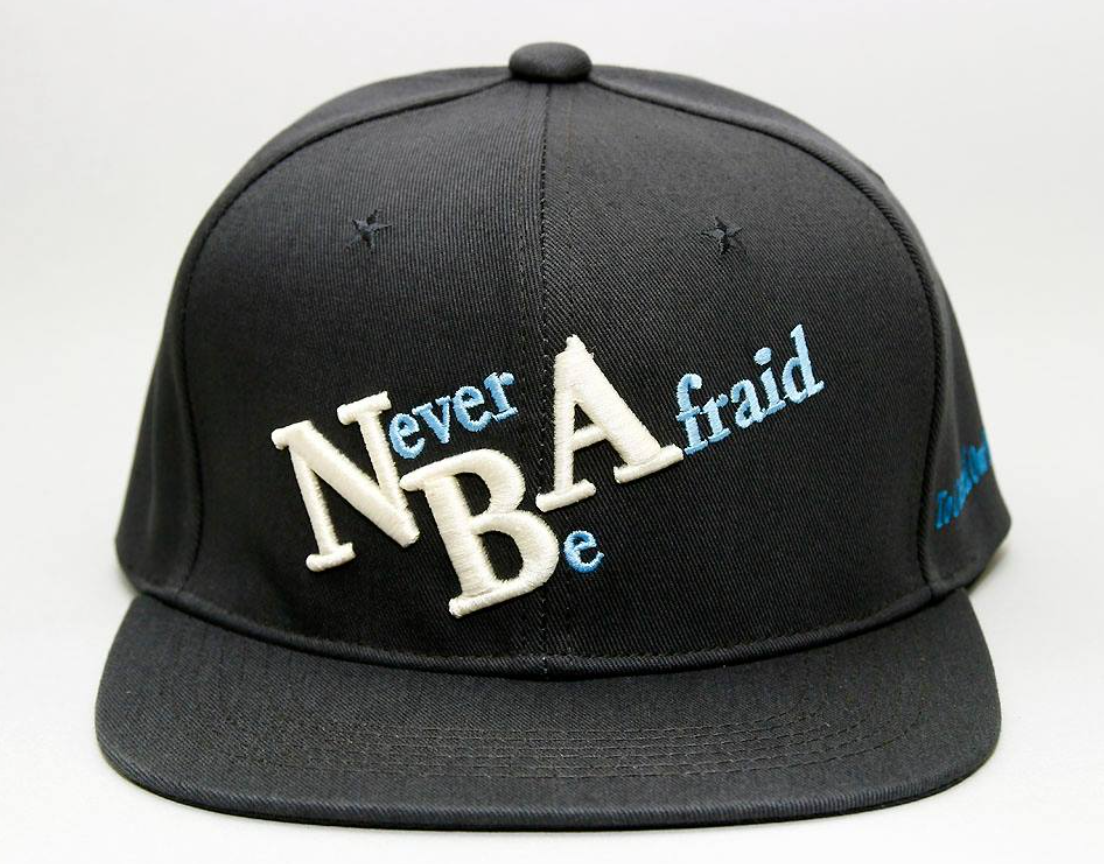
Front Logo: 3D Puff Embroidery.
Side Logo: Flat Embroidery.
Back Label: Woven Tag.
Arrow Callouts: Use arrows on your sketch to point to exactly where these go and how many millimeters from the bottom edge they should be placed.
The "Golden Rule" of Manufacturing
"If it is not written in the Tech Pack, it will not happen."
Do not assume the factory knows you want a yellow sweatband just because your logo is yellow. If the BOM says "Black Sweatband," you will get a black sweatband. Over-communication is the key to speed.
Creating a Tech Pack takes a few hours upfront, but it saves weeks of back-and-forth emails and hundreds of dollars in failed samples.
At ESSCAPS, we work with professional designers every day. However, if you are new to this, don't worry. We have created a standardized template to help you get started.
Download Our Free Tech Pack TemplateWe have prepared an editable .AI and .PDF file pre-loaded with standard hat shapes. Click here to download it and start designing.